 Fettle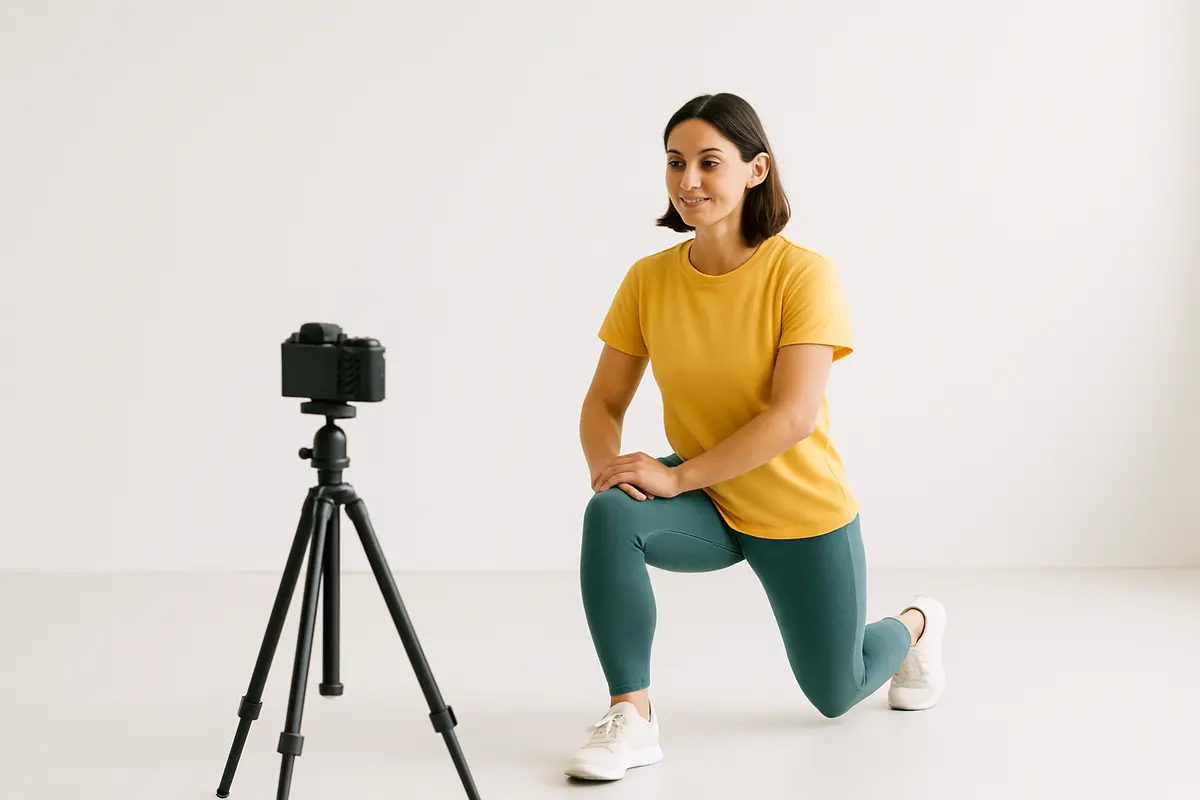
Transitioning from in-person training to online coaching often feels strange at first. You no longer have the luxury of standing next to your client to fix their squat technique or chat about their weekend.
Video bridges this gap perfectly. When you use video for online coaching correctly, you can build strong personal relationships and correct movement patterns just as well as you could on the gym floor. Adding video to your service justifies a higher price point and delivers much better results.
Create a warm welcome video
First impressions matter hugely in online coaching. A plain text email welcoming a new client feels cold and corporate.
Record a short welcome video for every new sign-up. Speak directly to the camera and use their name. Congratulate them on taking action and briefly explain what happens next in the onboarding process.
You do not need a script for this. Just speak naturally, exactly as you would if they walked into your gym. A quick 2 minute video instantly humanises your service and makes the client feel valued from day one.
Record clear exercise demonstrations
Clients need to know exactly how to perform the exercises in your programme. Linking to random YouTube videos looks unprofessional and often confuses people.
Build your own library of exercise demonstrations. Film yourself performing the movements you program most often. Show the exercise from the front and the side. Keep the clips under 30 seconds.
Add a short voiceover explaining the key coaching cues. Tell them to keep their chest up or drive through their heels. Having your own face and voice on these demonstrations reinforces your authority as their coach every time they train.
Master the form check
Online clients will make technique errors. You need a system to spot these mistakes before they lead to injuries.
Ask your clients to film their heaviest set of key exercises each week. Tell them exactly where to place their phone. For a squat, they should film from a 45 degree angle at hip height. This gives you the best view of their joint mechanics.
Watch their footage carefully. Point out what they did well first, then give them one specific cue to fix their biggest error. Do not overwhelm them with five different corrections at once. Keep the feedback simple and actionable for their next session.
Send video feedback for weekly check-ins
Typing out long email replies for weekly check-ins takes hours. Clients also struggle to read the tone of written messages. A direct piece of text can sometimes sound angry when you actually meant to be encouraging.
Recording a video reply solves both problems. Use screen recording software to film yourself talking through their weekly data. Show their progress photos and training logs on the screen while you speak.
Hearing your voice helps clients understand your exact tone. You can convey empathy when they have a bad week and genuine excitement when they hit a personal best. This builds a much deeper connection than text ever could.
Keep your videos concise
While video is a brilliant tool, you must respect your client's time. Nobody wants to watch a rambling 15 minute monologue about their diet.
Keep your check-in videos tight and focused. Aim for 3 to 5 minutes maximum. Start by reviewing their wins, address any struggles they faced and set clear targets for the upcoming week.
If you find yourself talking for 10 minutes, you are probably overcomplicating the feedback. Write down three bullet points before you hit record to keep yourself on track.
Store your videos centrally
Managing hundreds of video files across your phone, laptop and email accounts creates chaos. You need a clean system to organise everything.
Keep your exercise library and client check-in links in one dedicated place. Fettle handles client tracking, check-ins and programmes, allowing you to easily attach your video feedback directly to a client's weekly review.
When everything sits in one system, clients can easily look back at their old form checks to see how much their technique has improved over the last 6 months.
Frequently asked questions
Do I need expensive camera gear to record videos?
You absolutely do not need expensive equipment. The camera on any modern smartphone is more than good enough. Focus on recording in a quiet room with good natural lighting. Clear audio matters much more than perfect video quality.
How long should an exercise demonstration video be?
Keep demonstrations between 15 and 30 seconds. Clients watch these videos while resting between sets on the gym floor. They want to see the movement quickly and get straight back to their workout.
Where should clients upload their form videos?
Ask them to upload their videos to a shared cloud folder or send them as unlisted YouTube links. Sending large video files directly through WhatsApp often compresses the quality, making it very hard for you to see their technique clearly.